2026
Web (Desktop & Mobile)
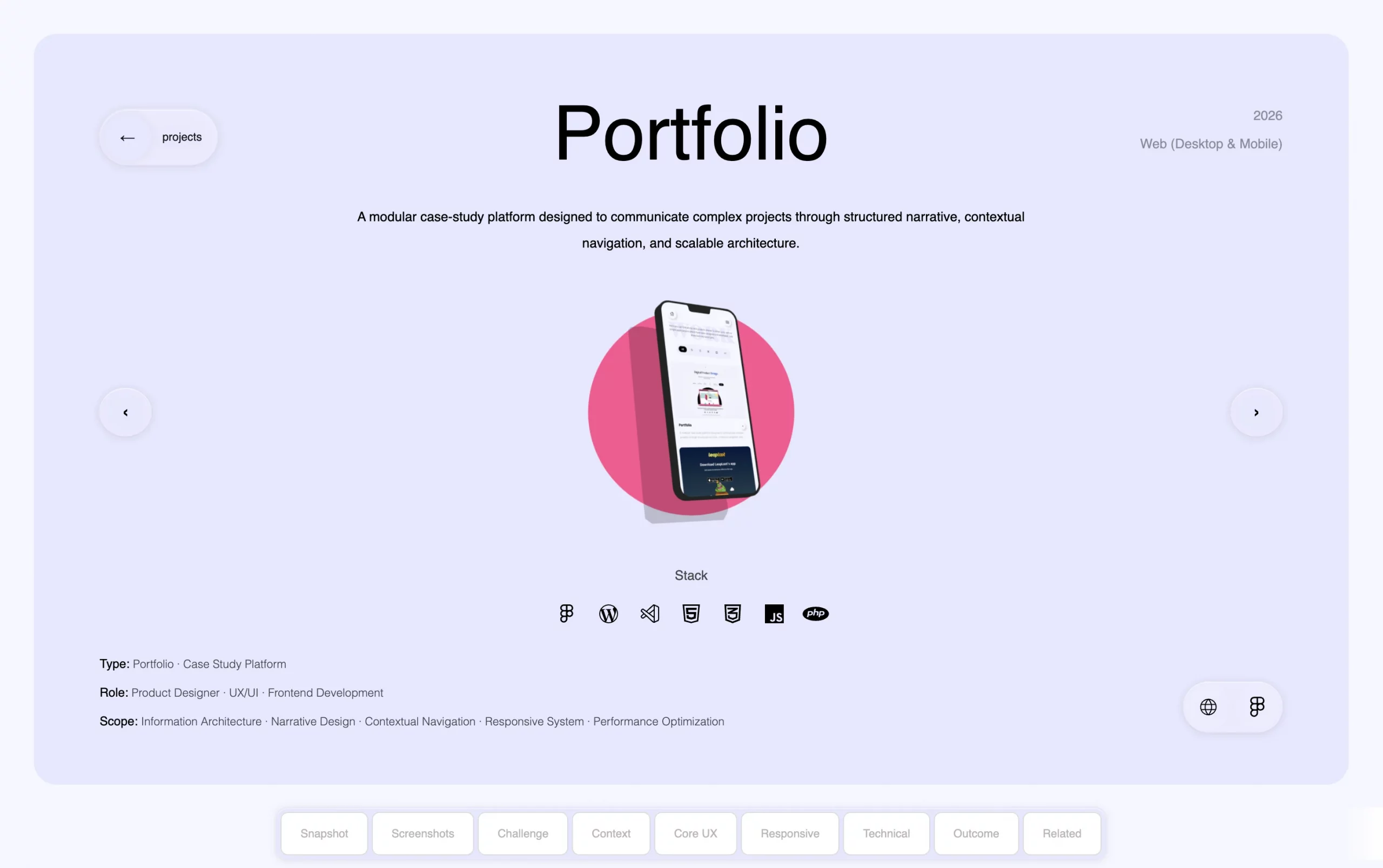
Portfolio

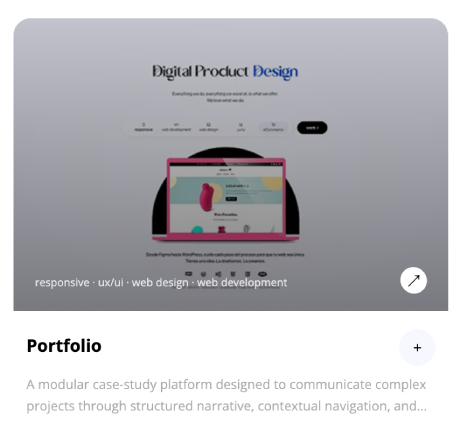
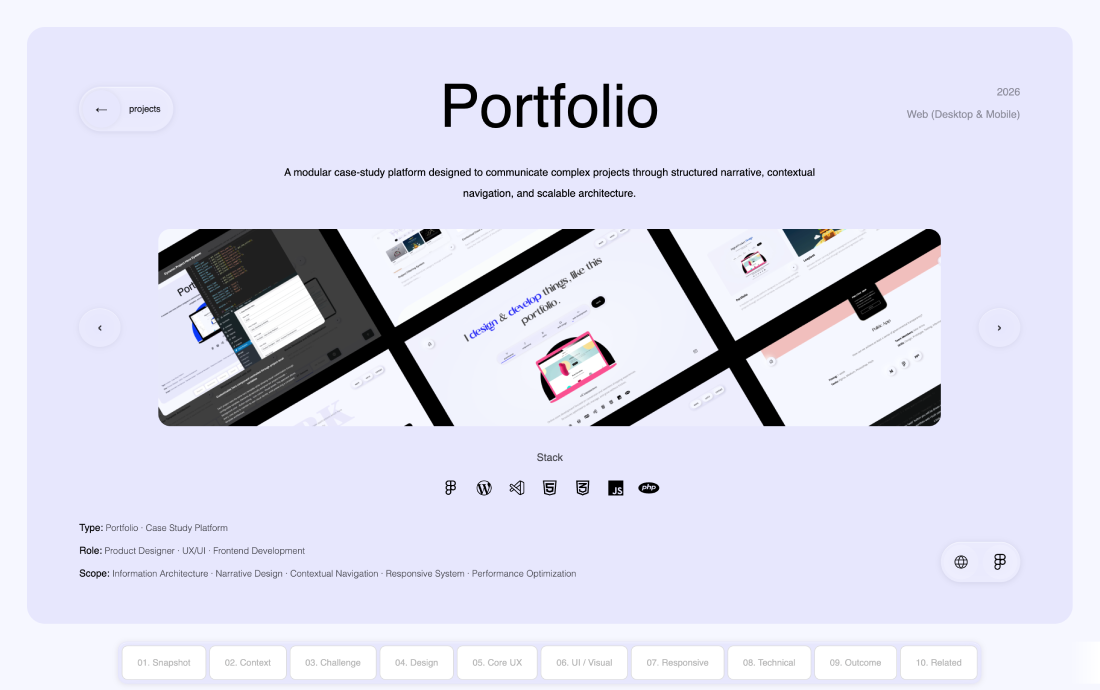
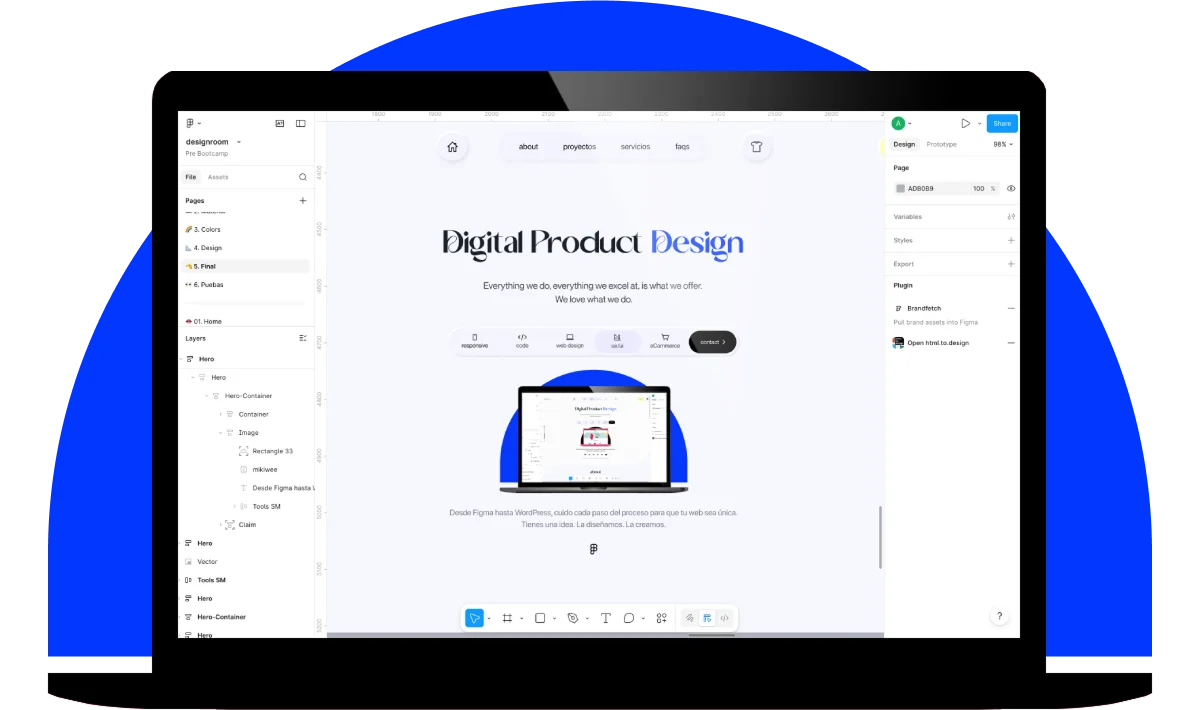
A portfolio designed to communicate complex projects through structured storytelling and scalable architecture.

Stack
  • Type: Portfolio · Case Study Platform
  • Role: Product Designer · UX/UI · Frontend Development
  • Scope: Information Architecture · Narrative Design · Contextual Navigation · Responsive System · Performance Optimization

01. Snapshot

Quick project overview, scope, role, and overall context
Intro

A portfolio designed as a structured product, transforming complex projects into clear, navigable narratives.


Instead of a visual gallery, this portfolio works as a product:

Each case study follows a consistent structure to improve readability, navigation, and scalability.

My Role

Product Designer · UX/UI · Frontend Development

  • Defined the case study architecture and narrative system
  • Designed navigation and interaction patterns for long-form content
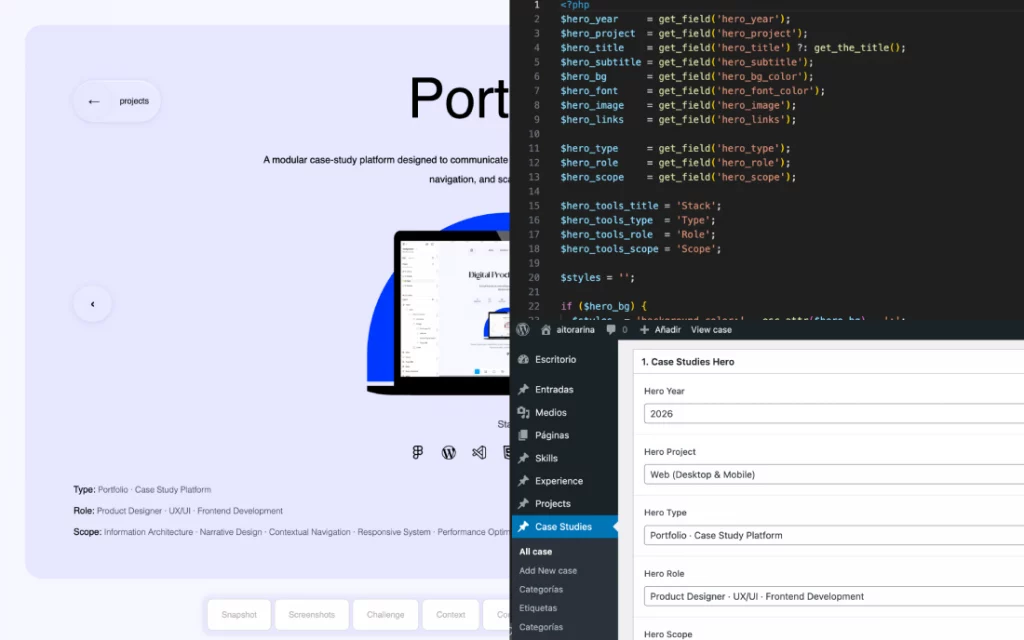
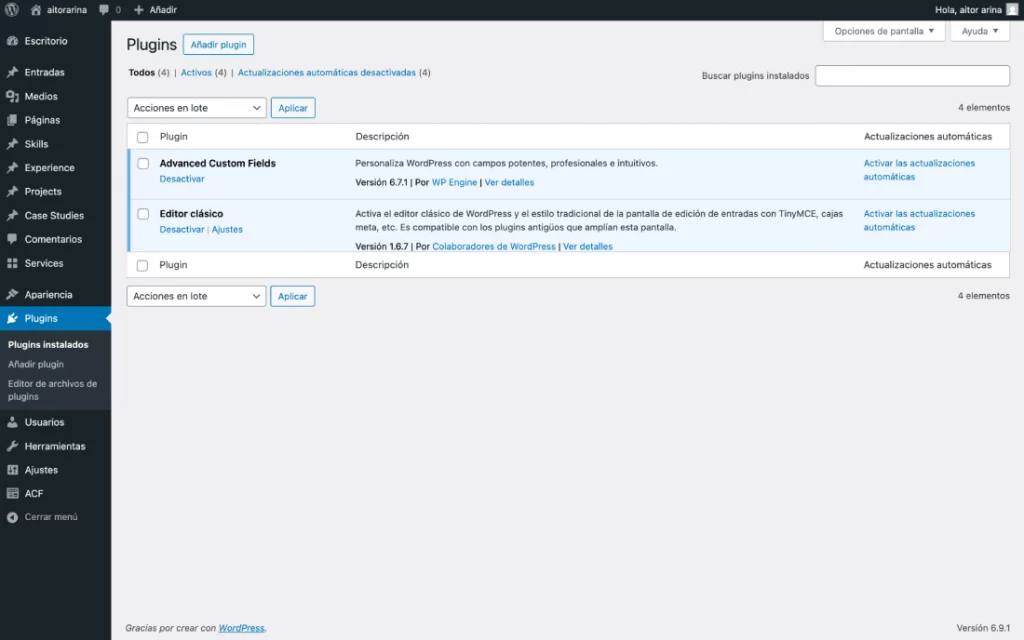
  • Built a custom WordPress theme
  • Developed all core interactions in JavaScript

02. Context

Understand the project context, its constraints, and the goals to be achieved

The main challenge was translating complex design and technical work into a clear, structured experience that remains readable at scale.


The approach focused on structure first, before visual design:


Architecture → Hierarchy → Navigation → Interaction → Visual

ampliar

03. Challenge / Solutions

Key issues identified and the design decisions made to address them
Challenge

Long-form case studies introduced several structural issues:

  • Users lost orientation during deep scroll

  • Content lacked consistency across projects

  • Content lacked consistency across projects

  • Visual-first approaches failed to communicate decision-making

Solution

The portfolio was designed as a structured system:

  • Fixed structure across all case studies

  • Sticky navigation with active section tracking

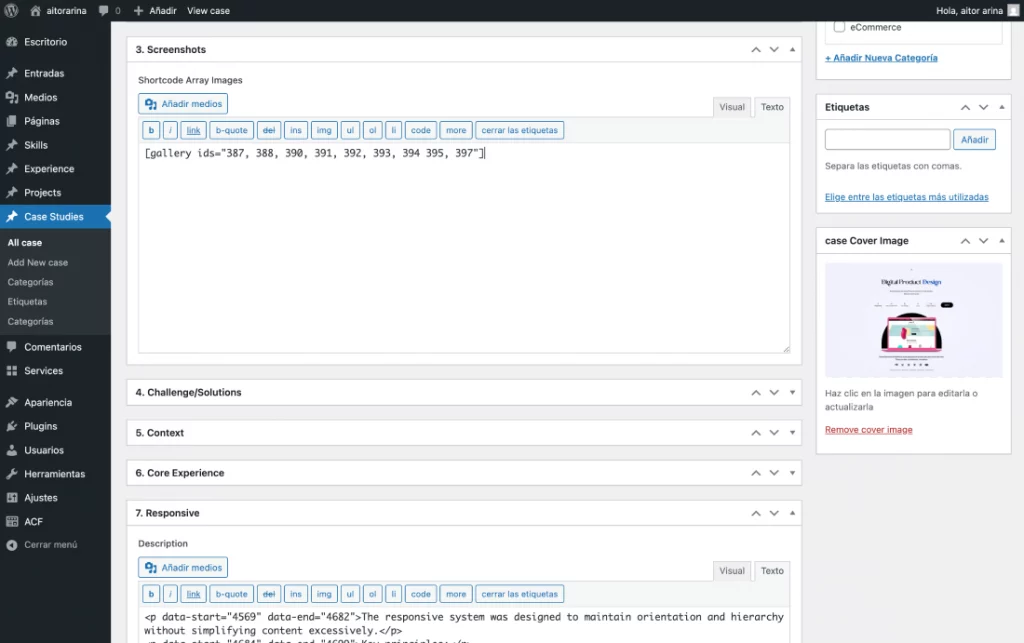
  • Modular templates ensuring consistency and scalability

  • Progressive disclosure to manage content density

  • Fully custom build optimized for performance and control

04. Core Experience Design

How the product is structured, navigated, and experienced from the user’s perspective

Information Arquitecture

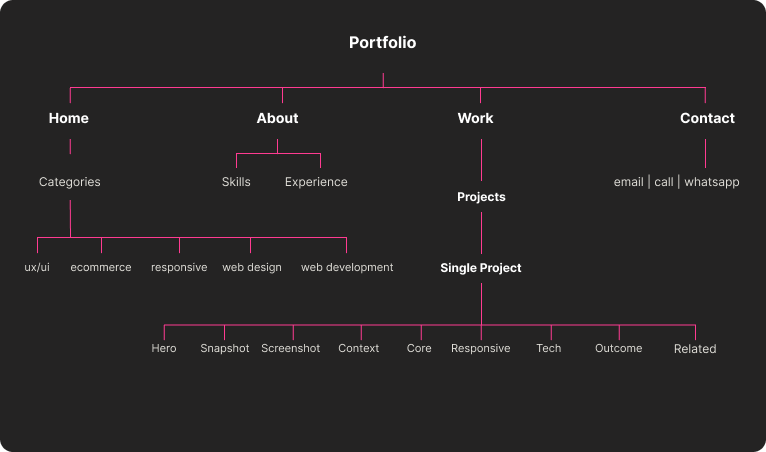
Each case study follows a consistent narrative structure:

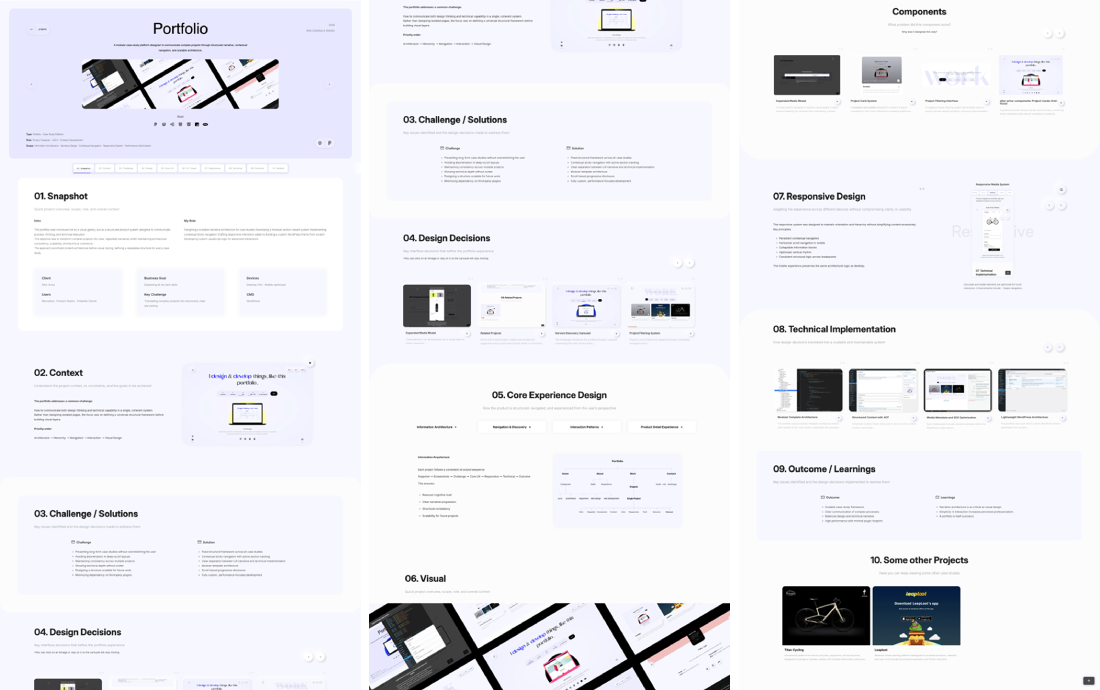
Snapshot → Screenshots → Challenge → Core UX → Responsive → Technical → Outcome

This ensures:

  • Reduced cognitive load

  • Clear narrative progression

  • Consistency across projects

  • Scalability as new case studies are added
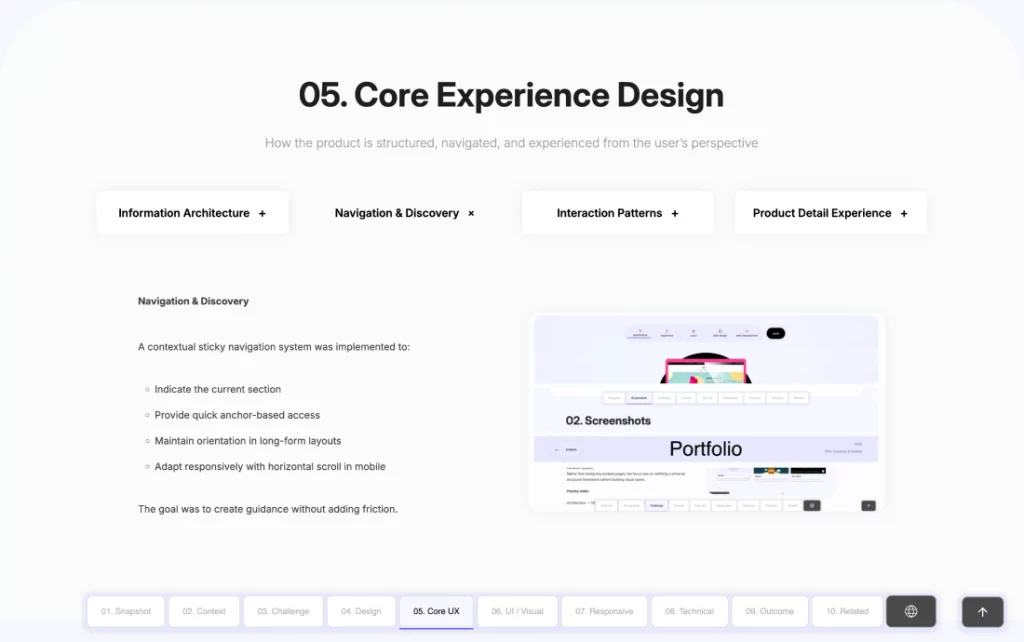
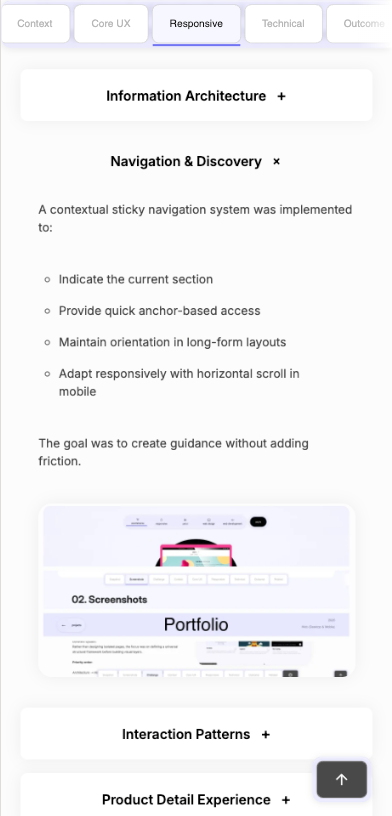
Navigation & Discovery

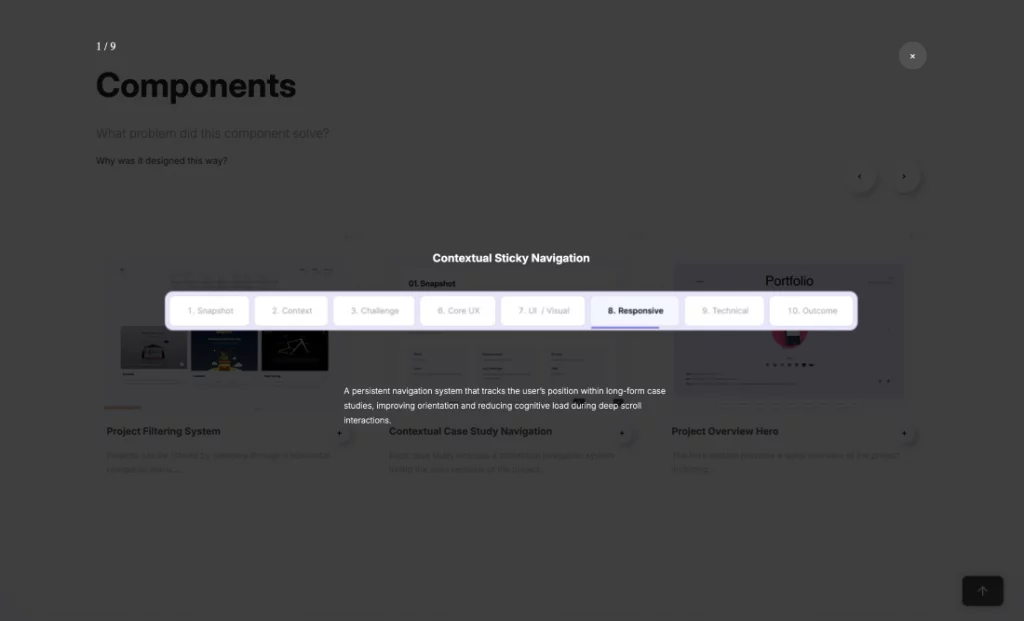
A contextual sticky navigation system was implemented to:

  • Indicate the current section

  • Provide quick anchor-based access

  • Maintain orientation in long-form layouts

  • Adapt responsively with horizontal scroll in mobile

The goal was to create guidance without adding friction.

Interaction Patterns

  • Consistent tab systems

  • Accordion patterns in mobile

  • Scroll-based section activation

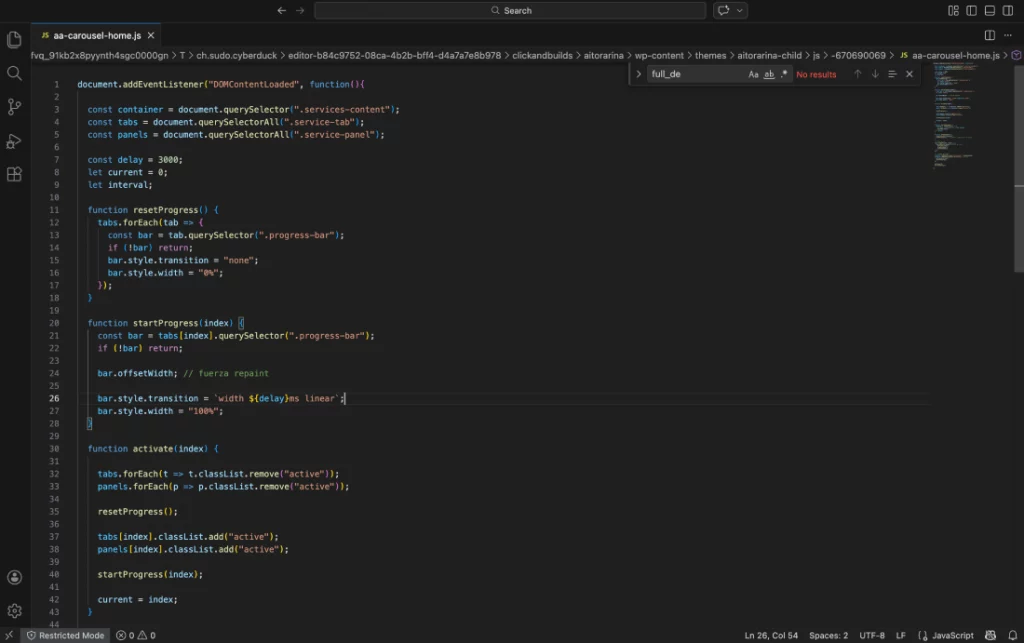
  • Controlled carousels without external libraries

  • Clear active states and predictable behavior

Interactions are subtle, intentional, and functional — never decorative.

Case Study Experience

Each case study is treated as a self-contained product narrative rather than a visual showcase.

The experience prioritizes:

  • Logical progression

  • Clear hierarchy

  • Separation of UX decisions and technical execution

  • Readability across devices

05. Visual

Quick project overview, scope, role, and overall context

Visual Identity

A minimal visual system focused on clarity and contrast, allowing content and structure to drive the experience.
Minimal color system focused on contrast and readability, allowing content to take priority over visual hierarchy.
primary color #f7f7ff
secondary color #fcfcfc

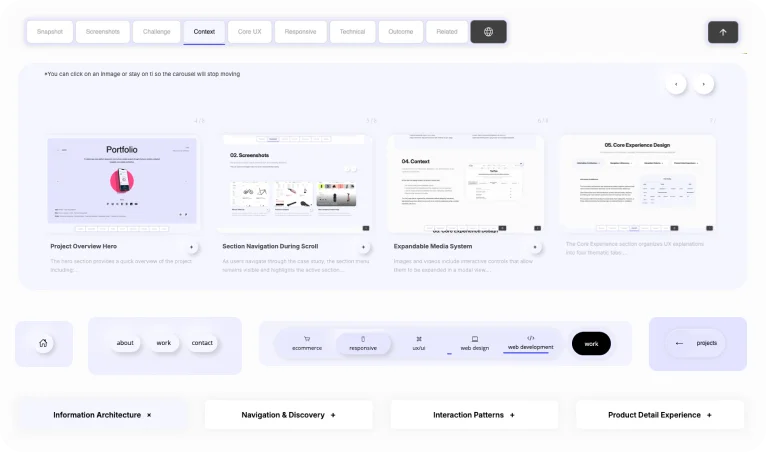
Components

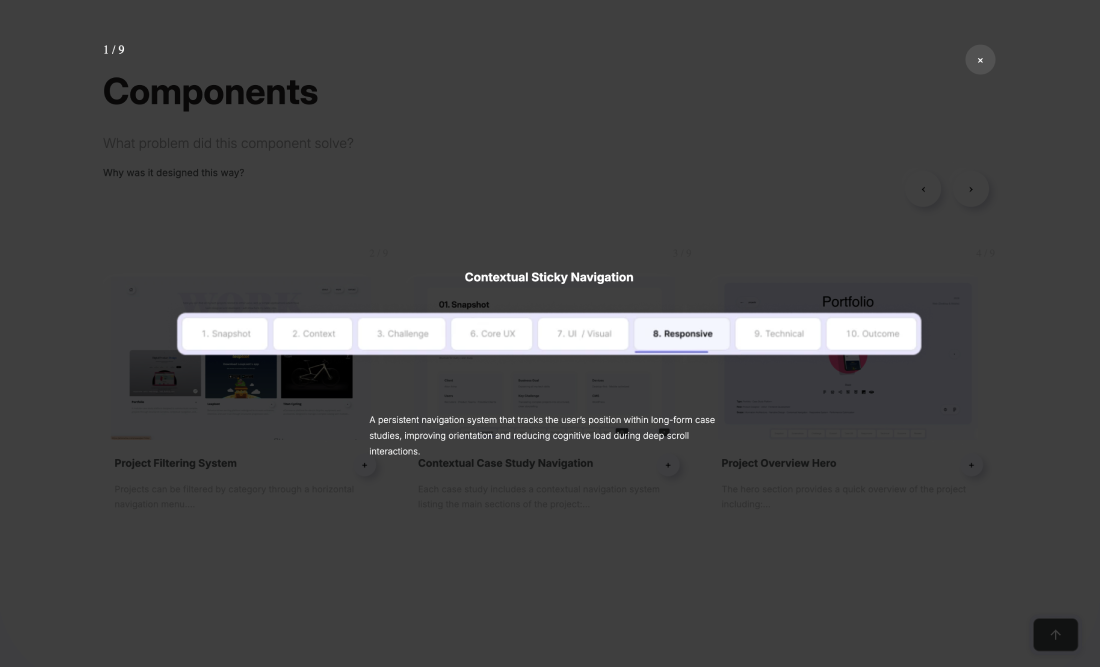
Core product components designed to support navigation, readability, and interaction across long-form case studies

Interface Screens

How the platform is navigated and experienced in real use

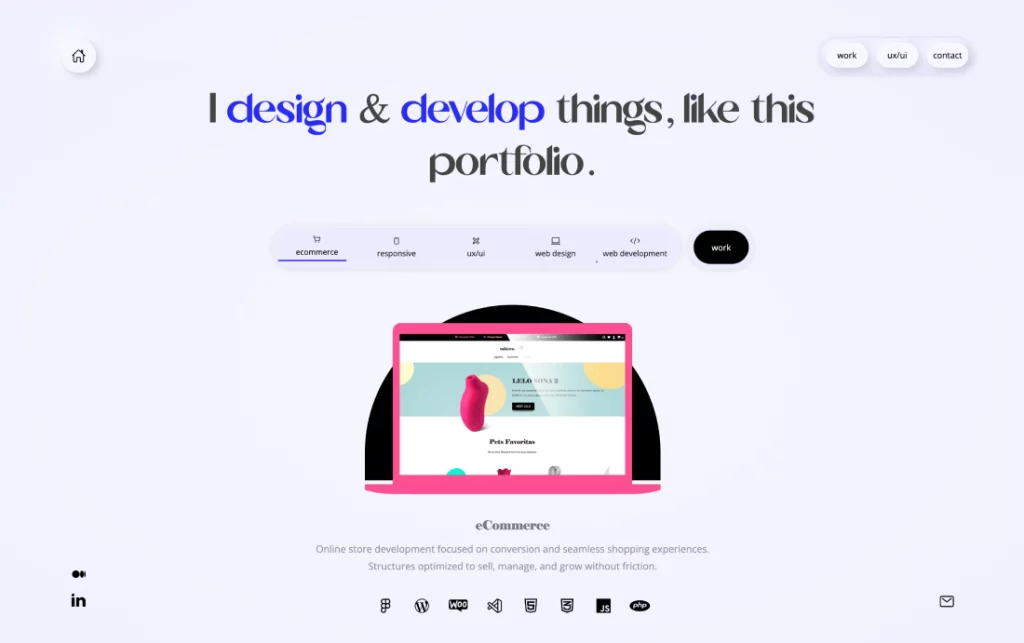
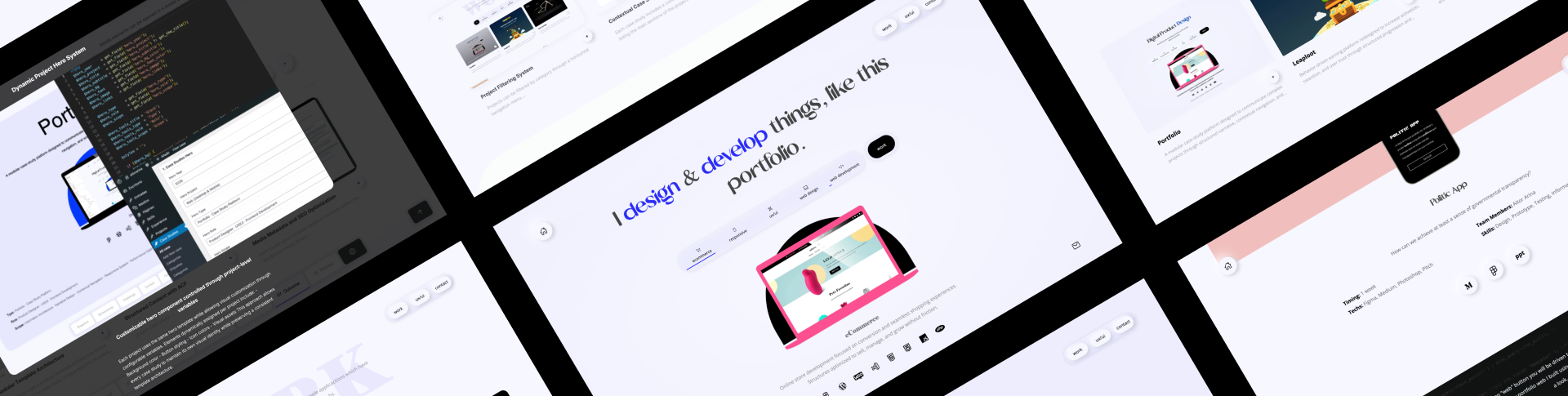
The homepage introduces the portfolio through a guided, structured experience that prioritizes clarity over visual noise.

A carousel system highlights different capabilities, combining automatic progression with manual navigation to balance storytelling and user control.

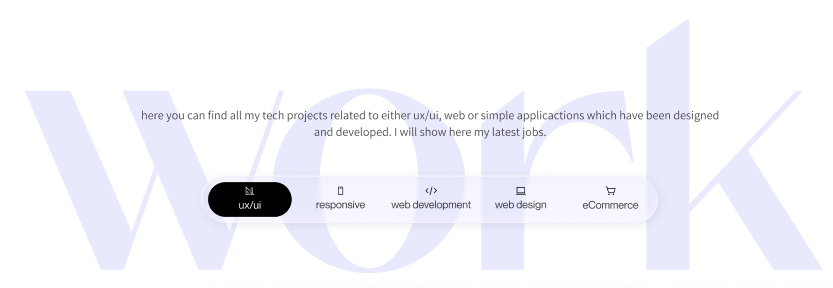
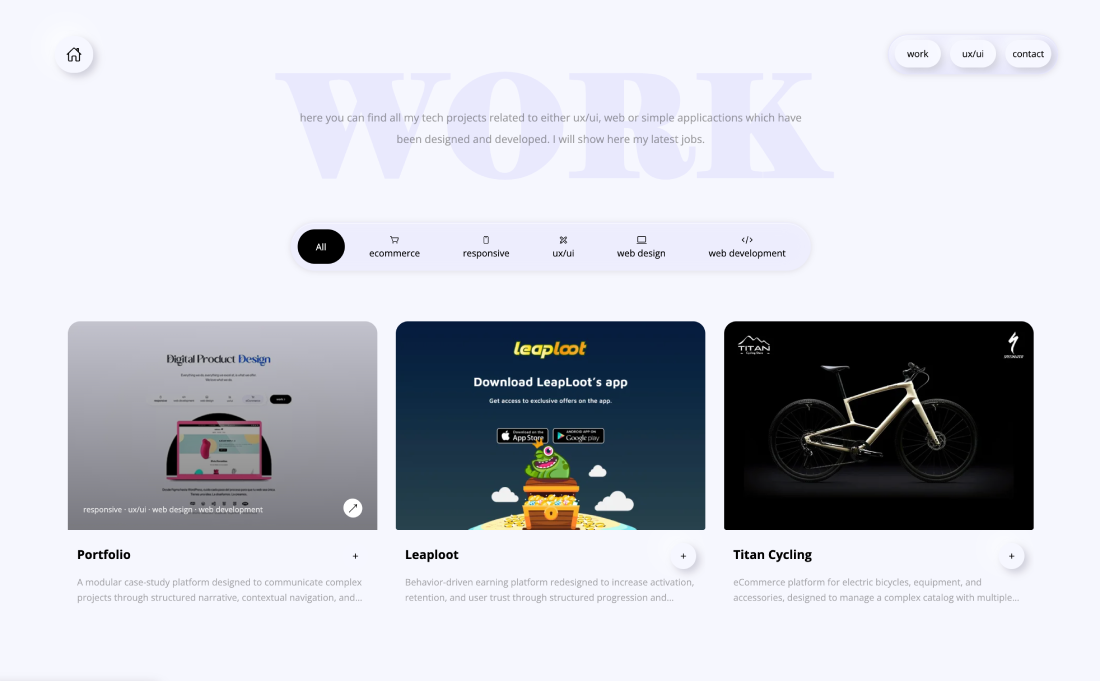
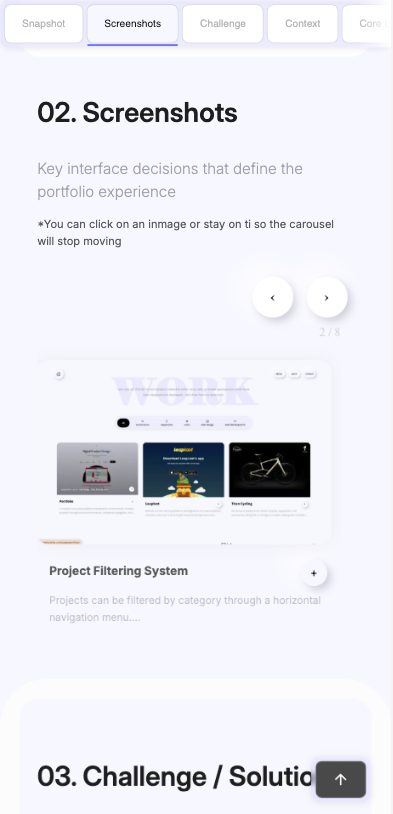
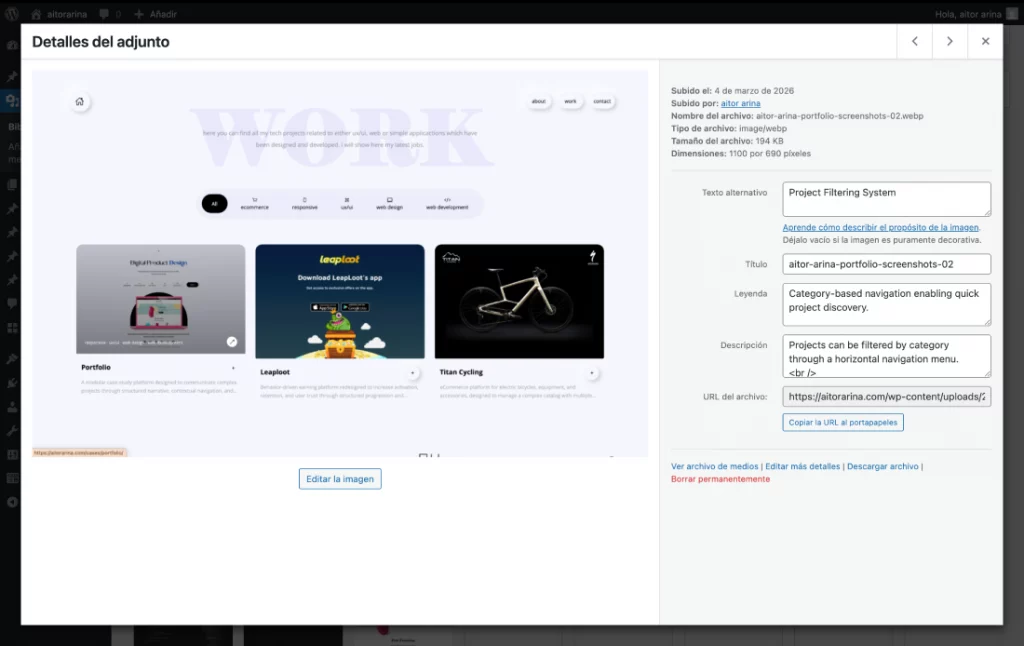
Projects are organized in a grid-based layout supported by a filtering system, allowing users to quickly identify relevant case studies.

Each card provides immediate visual context while hover interactions reveal additional information and encourage deeper exploration.

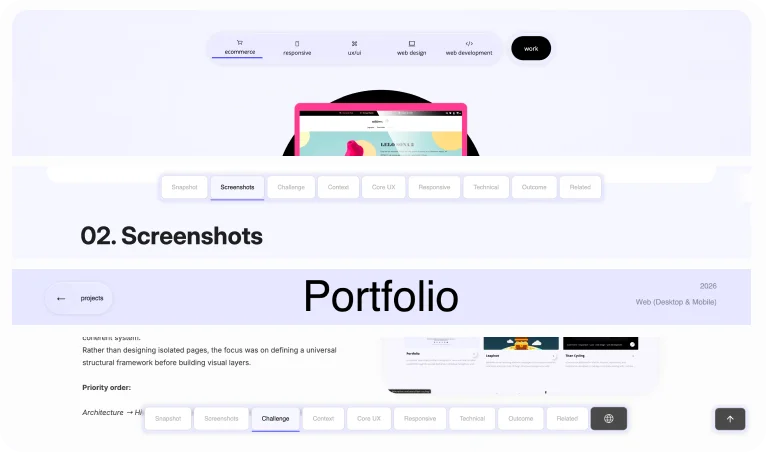
A contextual navigation system allows users to move across different sections of each case study while maintaining orientation.

The active section is continuously highlighted, transforming long-form content into a structured and scannable experience.

Each case study follows a consistent structure designed to communicate complex projects clearly.

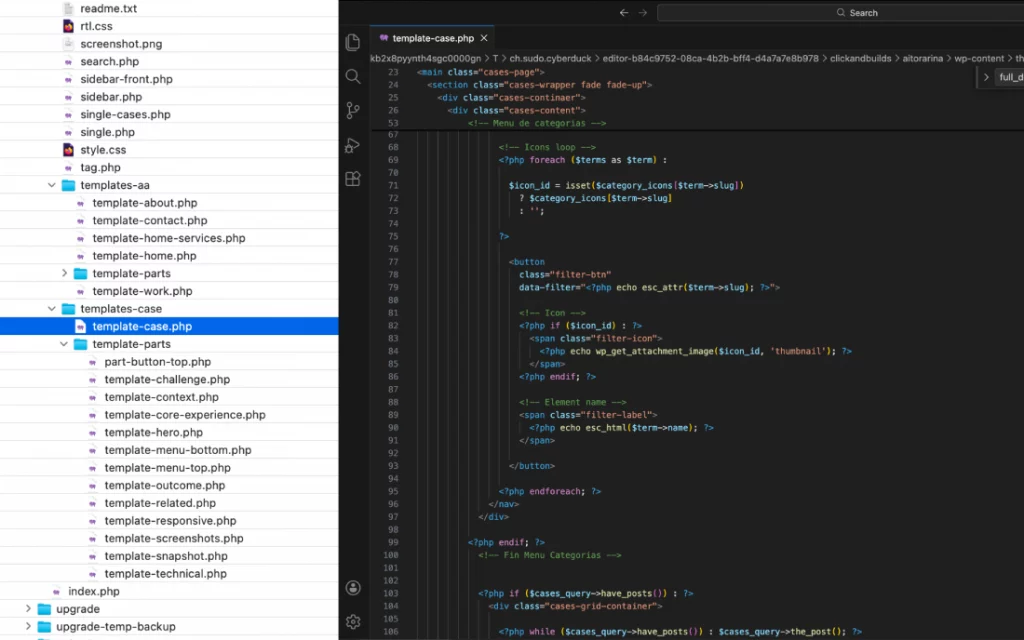
Content is organized into modular sections that progressively reveal information, reducing cognitive load while maintaining narrative clarity.

Expanded Media Modal

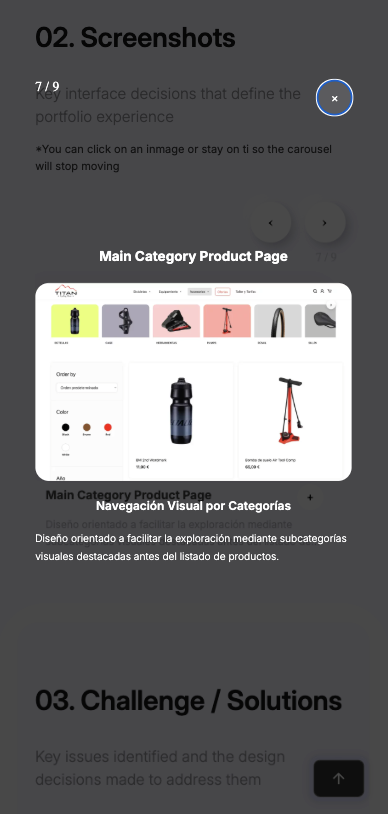
Visual elements can be expanded into a modal view, allowing users to inspect interface details without leaving the current context.

This interaction preserves narrative continuity while enabling deeper visual exploration of each project.

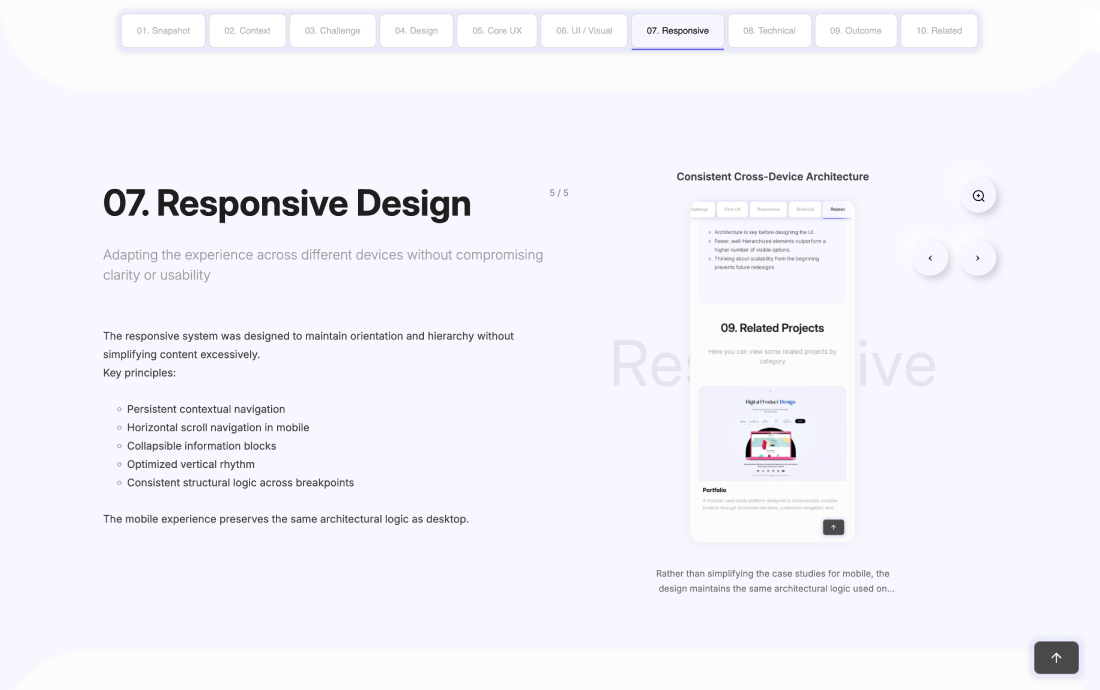
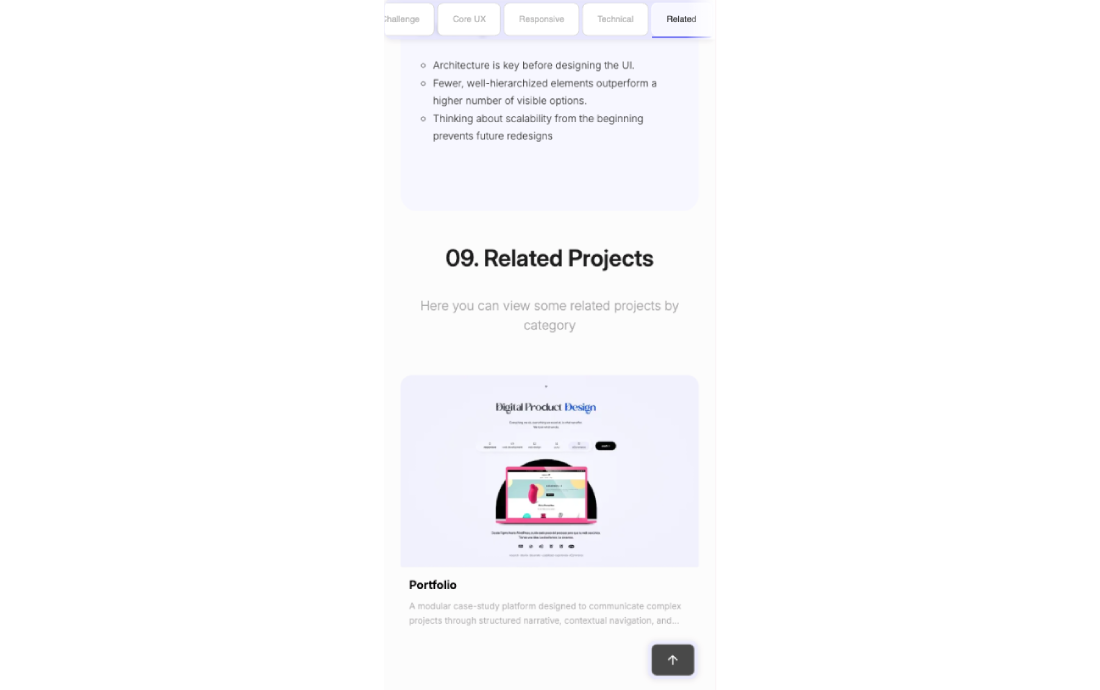
The responsive system preserves the same structural logic across devices, ensuring consistency in navigation and content hierarchy.

Layouts adapt to different screen sizes without simplifying the experience, maintaining clarity and usability across all breakpoints.

06. Responsive Design

Adapting the experience across different devices without compromising clarity or usability

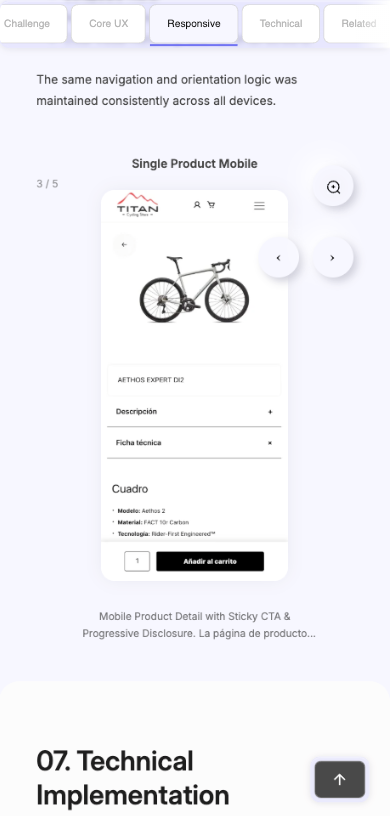
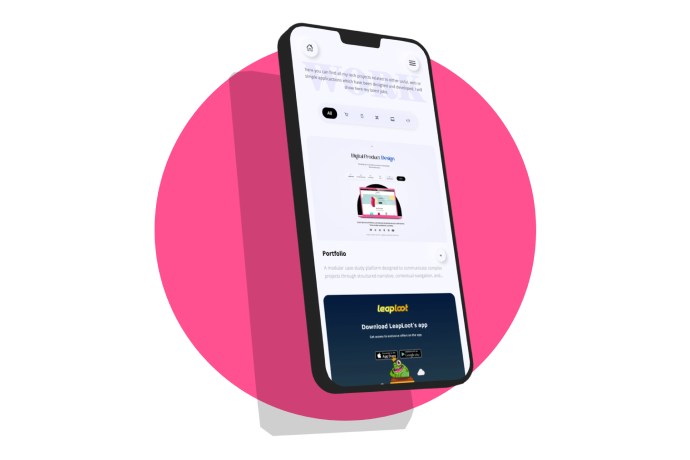
The mobile experience keeps the same structure as desktop.

Key principles:

  • Sticky horizontal navigation

  • Single-column layout

  • Touch-optimized interactions

  • Full-width media

No features removed, only adapted.

07. Technical Implementation

How design decisions translated into a scalable and maintainable system

08. Outcome / Learnings

Key issues identified and the design decisions implemented to resolve them
Outcome
  • Scalable case study framework
  • Clear communication of complex work
  • Balanced design and technical narrative
  • High performance with minimal dependencies
Learnings
  • Narrative structure is as critical as visual design
  • Simplicity in interaction improves perceived quality
  • A portfolio should be designed as a product, not a gallery